Changelog

Follow new updates and improvements to OneRoom Health.

August 20th, 2026

For Providers

  • Calendar: responsive 15-min slot sizing, clearer day/week views, and hover tooltips with appointment details

  • "Ready for Provider" appointments now show a Join button with split-menu for hub vs. dashboard options

  • Added live elapsed-time timer for active visits; turns red when a visit runs over


For Admins

  • Renamed "Event Name" β†’ "Visit" and "Event Type" β†’ "Visit Type"

  • Providers now show external ID (when available) and specialization in dropdowns; search by name, email, external ID, or specialty

  • Visit Type dropdown now shows descriptions alongside type names


For Medical Assistants

Redesigned dashboard to land on a full-width calendar (mirrors the provider view)

Calendar changes:

  • View upcoming appointments, inspect details without starting, filter by status or Org/Location/Room

  • Added Today's Visits, Checked In, and Completed stat cards

In-visit changes:

  • Status bar improvements: live timer, next-appointment countdown, waiting-patient badge, upcoming queue dropdown, and "End Visit" button updated to red

  • "Calendar" button returns to landing view; auto-advances to the next appointment after a visit ends


Other changes: Improved video bitrate ceiling, allowing for better video feed during calls

July 28th, 2026

New Features

  • Provider calendar view β€” providers can now view and manage their schedule and availability directly from a calendar view.

  • Granular admin access controls β€” admins can now assign access by Organization β†’ Location β†’ Room for finer-grained permissions.

  • Per-provider volume control β€” added to Provider Hub, so providers can adjust call volume to their preference.

Improvements

  • Refreshed CareWall design β€” a cleaner, more polished look across the CareWall when Provider joins from a laptop

Fixes

  • More reliable screen sharing β€” fixed an issue where a shared screen could occasionally go black.

  • Improved reconnection handling β€” the CareWall reconnects more smoothly, reducing dropped sessions.

  • Reduced audio overlap β€” the Medical Assistant dashboard now mutes call audio automatically when appropriate, preventing overlapping sound.

July 21st, 2026

New

Improved

Fixed

New Features

  • Providers can now join appointments from a laptop, not just the Provider Hub, by selecting β€œJoin on Dashboard” under the drop down. The video is optimized for display on the CareWall and supports multiple attendees on the call, such as another provider or a family member.

  • Admins can now assign multiple providers to a patient and designate which one is primary.

Improvements

  • Appointment details now show who created or last updated the appointment, right in the popover.

Fixes

  • Fixed an issue where signing out didn't fully end your Microsoft SSO session.

July 10th, 2026

This update focuses on smoother navigation and fewer interruptions during patient sessions.

You can now capture images using the physical button on the Firefly device

Provider Hub

  • Added a session timer to track session length

  • Reorganized navigation into tabs (Vitals, Devices, Controls) for easier switching

  • Patient Information no longer overlaps with the camera view

Bug Fix

  • Fixed an issue where providers were unable to be removed from an appointment

July 3rd, 2026

The Mindray BeneVision N1 patient monitor is now supported to use with patients.

  • Stream live vitals from the N1 directly into a session, including Sp02, blood pressure, respiration, and temperature

  • Generate an ECG reading from the N1, delivered as a PDF within about 10 seconds

  • N1 data appears in the Vitals tab

June 30th, 2026

When scheduling an appointment, you'll now see a warning if multiple providers are selected, helping prevent accidental double-booking.

June 18th, 2026

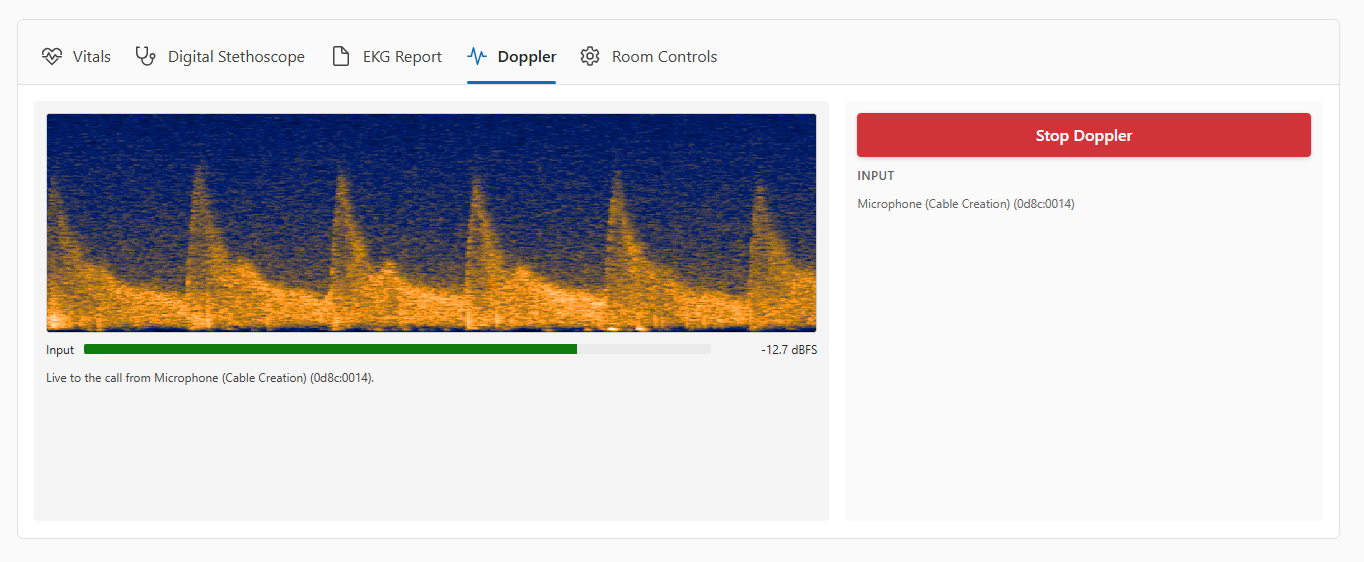
MA Dashboard now gets a tabbed view for the vitals, stethoscope, firefly, and room controls which should contribute to a cleaner user experience

May 29th, 2026

We've streamlined how a medical assistant hands a patient off to the provider. The separate Ready for Provider and Extend to CareWall steps are now combined into a single Mark Ready for Provider button β€” one click notifies the provider and starts the visit from the care-team (MA Dashboard) side. Fewer clicks and a simpler, more intuitive way to start the visit.

May 26th, 2026

A new Pause Button has been implemented on the provider's dashboard so that the provider can step away from the video call if she/he needs to take an outside call or step away for a few minutes. The Pause Button will not end the appointment, but instead, put a temporary screen for the patient letting them know you have stepped away for a brief moment. At the same time, the video and audio will be paused/muted respectively.

May 13th, 2026

Improved

Admin Dashboard's Calendar now shows a 24 hour time period from 12am midnight to 11:59pm. So, you can schedule an appointment outside normal business hours.